Funds on your exchange
Nexora takes no deposits and cannot withdraw your money. It only places orders by your rules.
Nexora places orders on Bybit, Binance, OKX and BingX through your API keys — around the clock, on the server, even with your computer switched off. Your funds stay in your exchange account at all times.
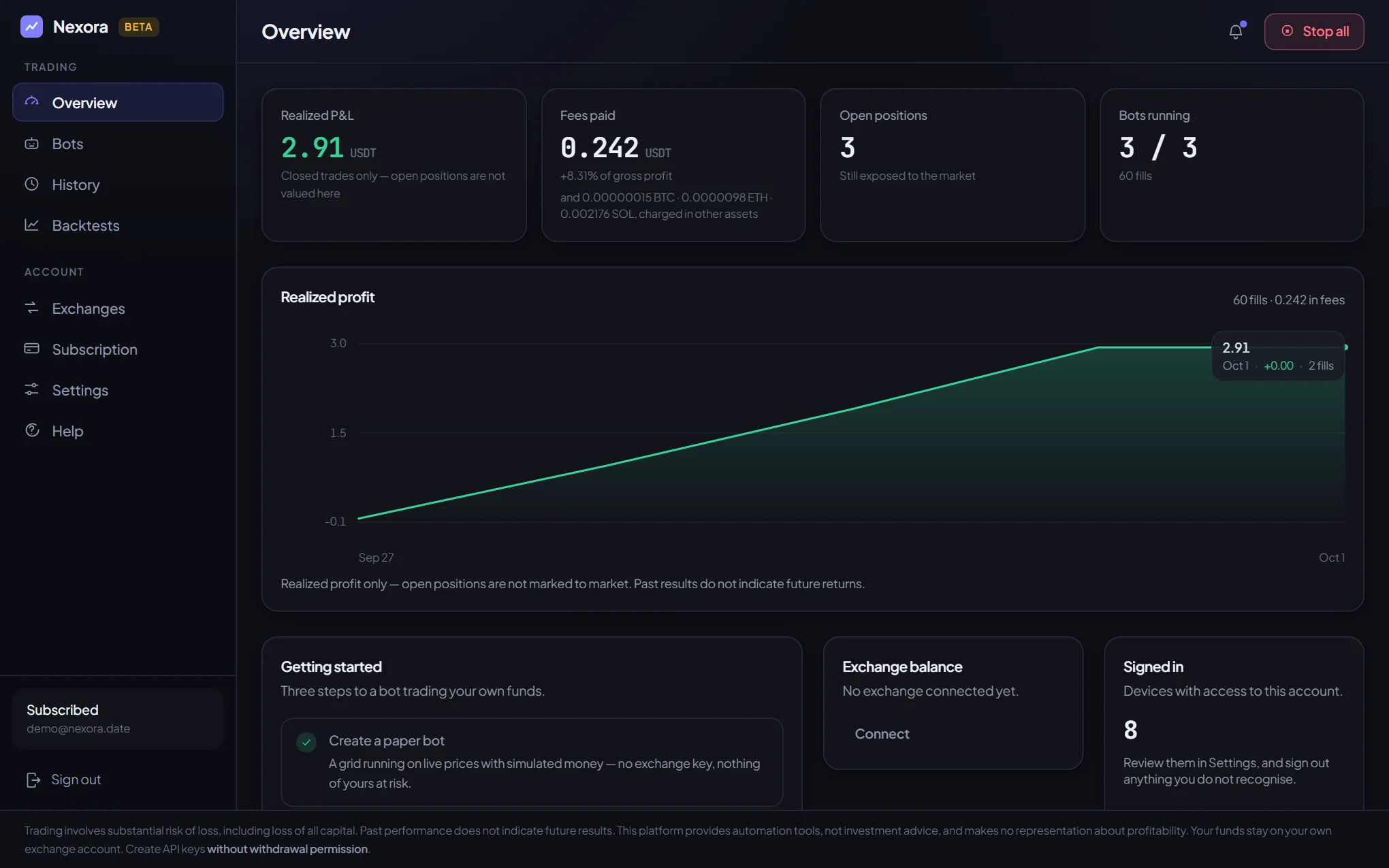
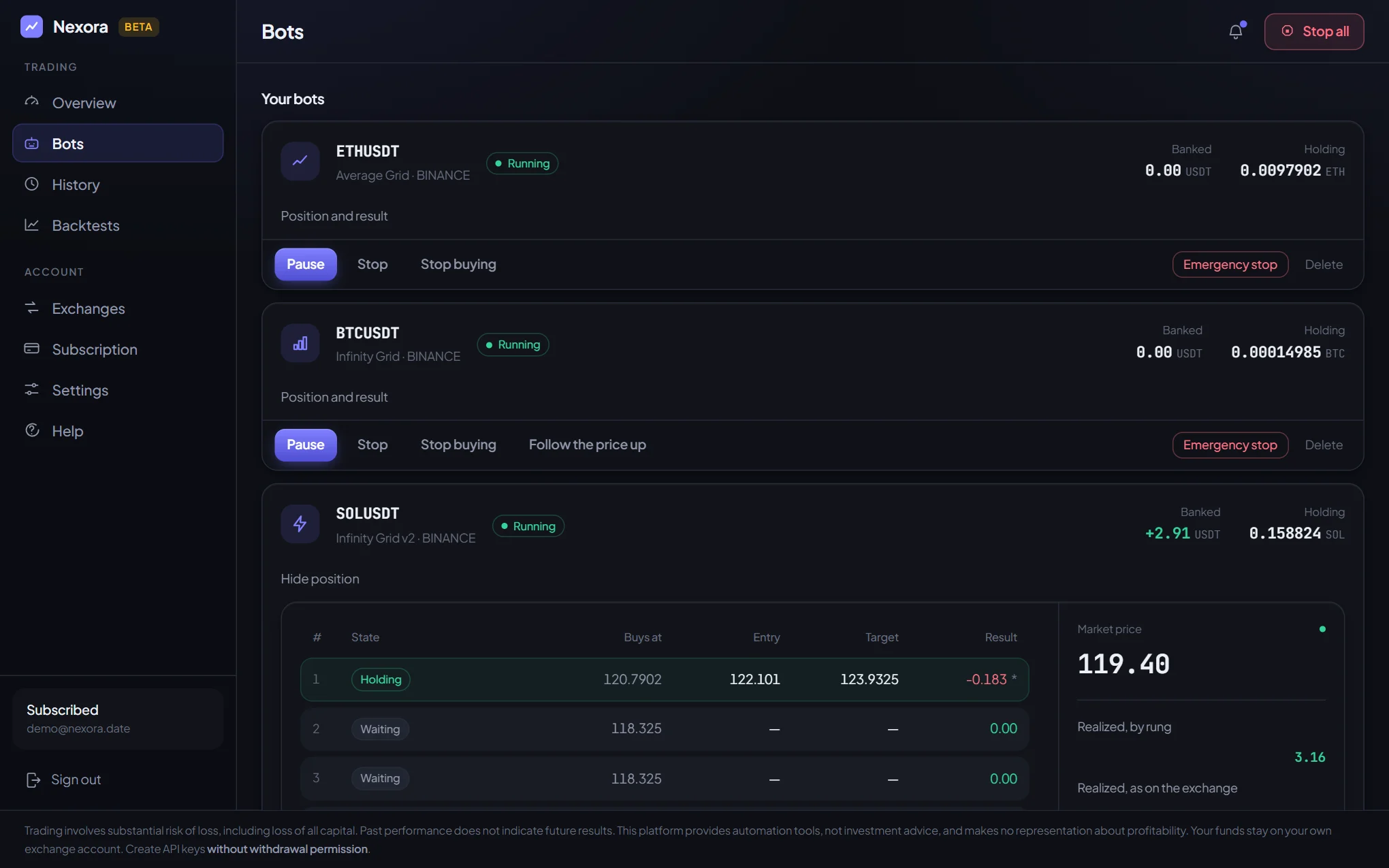
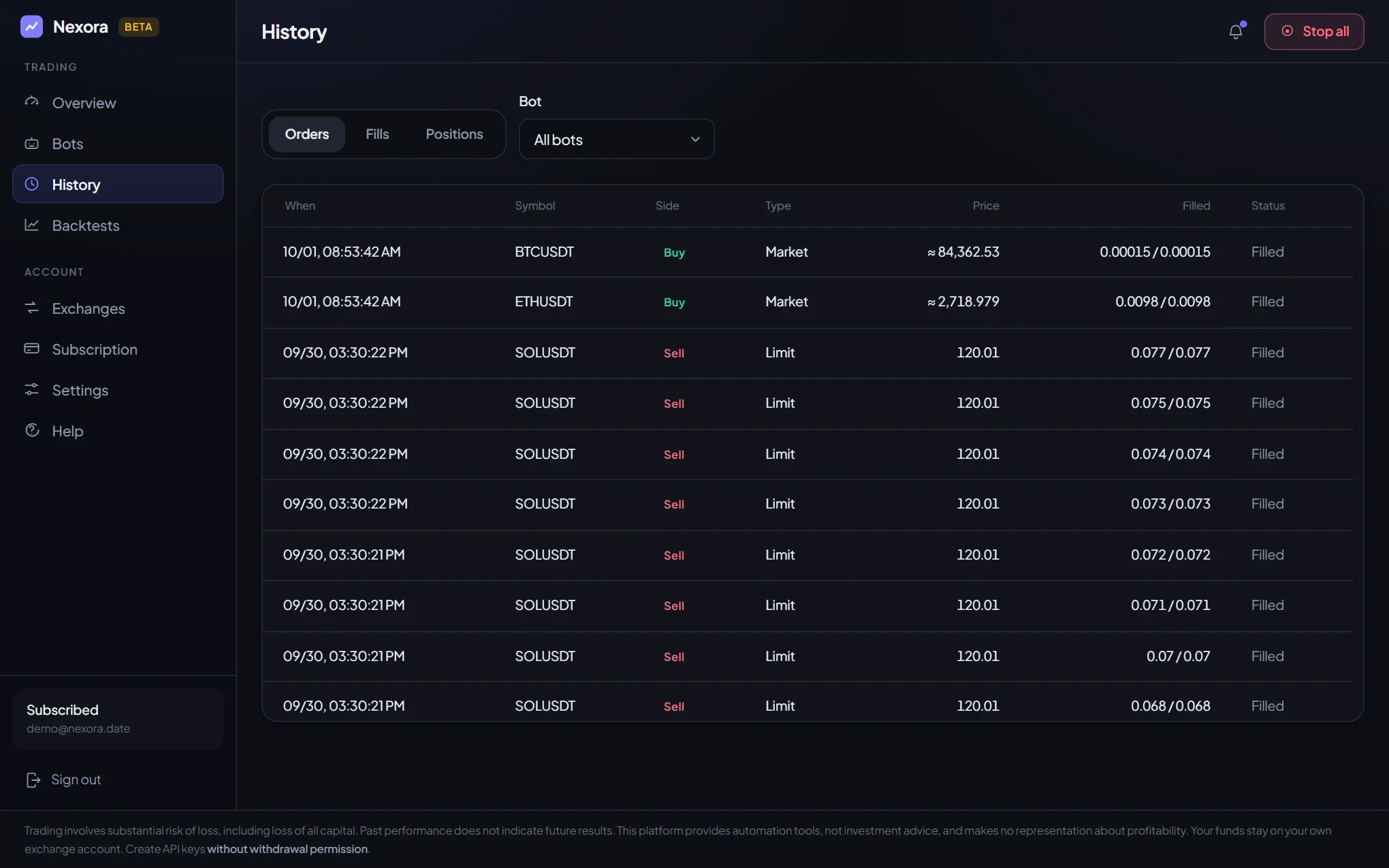
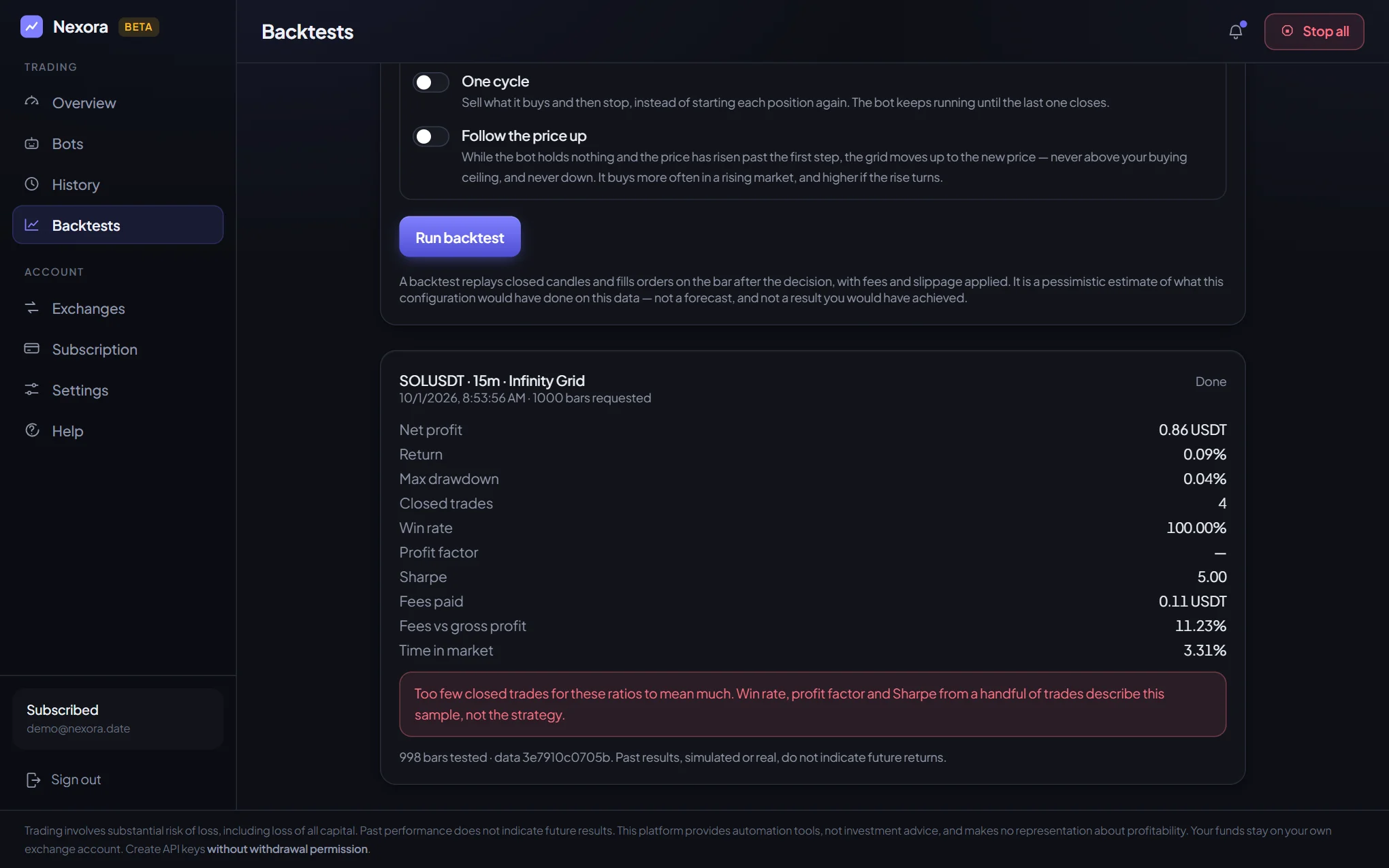
Screenshots of a demo account in paper mode: real prices, no real money. The figures show the interface, not a forecast and not a promise of results.
Buys in steps on pullbacks and sells each step on its own once it has made the profit you set. For a market that moves up and down.
Details → 02The same grid, choosing its own moments: buys on the bounce, sells on a trailing stop, widens its steps in a wild market and pauses in a crash.
Details → 03Buys more as the price falls, averaging the entry, and exits the whole position when the price returns to target.
Details → 04Buys a fixed amount on a schedule without trying to time the market, and takes profit on the rise.
Details →Nexora takes no deposits and cannot withdraw your money. It only places orders by your rules.
An API key that is allowed to withdraw is refused automatically — even if you try to connect it.
Exchange keys are stored encrypted, passwords only as an irreversible hash. An exchange key can only be connected with two-factor authentication.
Download the app and create an account.
Link Telegram — the first 3 days are free, and the subscription is bought there too.
Set up a bot and try it on paper: real prices, pretend money.
To trade on the exchange, turn on two-factor protection and connect an API key that cannot withdraw.
Version 0.1.0-beta.35 · Windows 10 and 11, 64-bit
That is expected for a new program without a paid code-signing certificate. Click “More info”, then “Run anyway”. Only download the installer from nexora.date.
Version 0.1.0-beta.35 · Android 7.0 and newer · 5.6 MB
In those apps’ built-in browser the file may not download. Tap ⋮ in the corner and choose “Open in browser” or “Open in Chrome”, then download the app from there.
Download through ChromeAndroid greets every app that is not from a store this way. Only download the file from nexora.date.